This is the game portfolio of Alberto Morales. You can see here some of the games and tools that I made.
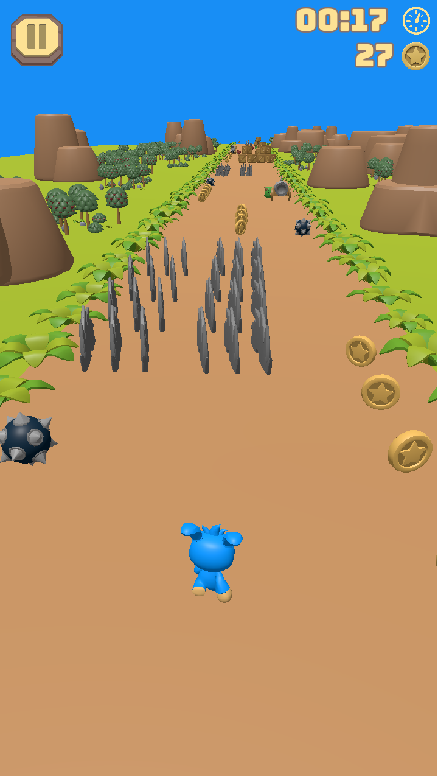
Endless runner
Endless runner game where you need to dodge obstacles and enemies while collecting coins, increasing in difficulty the longer the run goes.
Made in Godot.
YASG - Yet Another Shooting Game
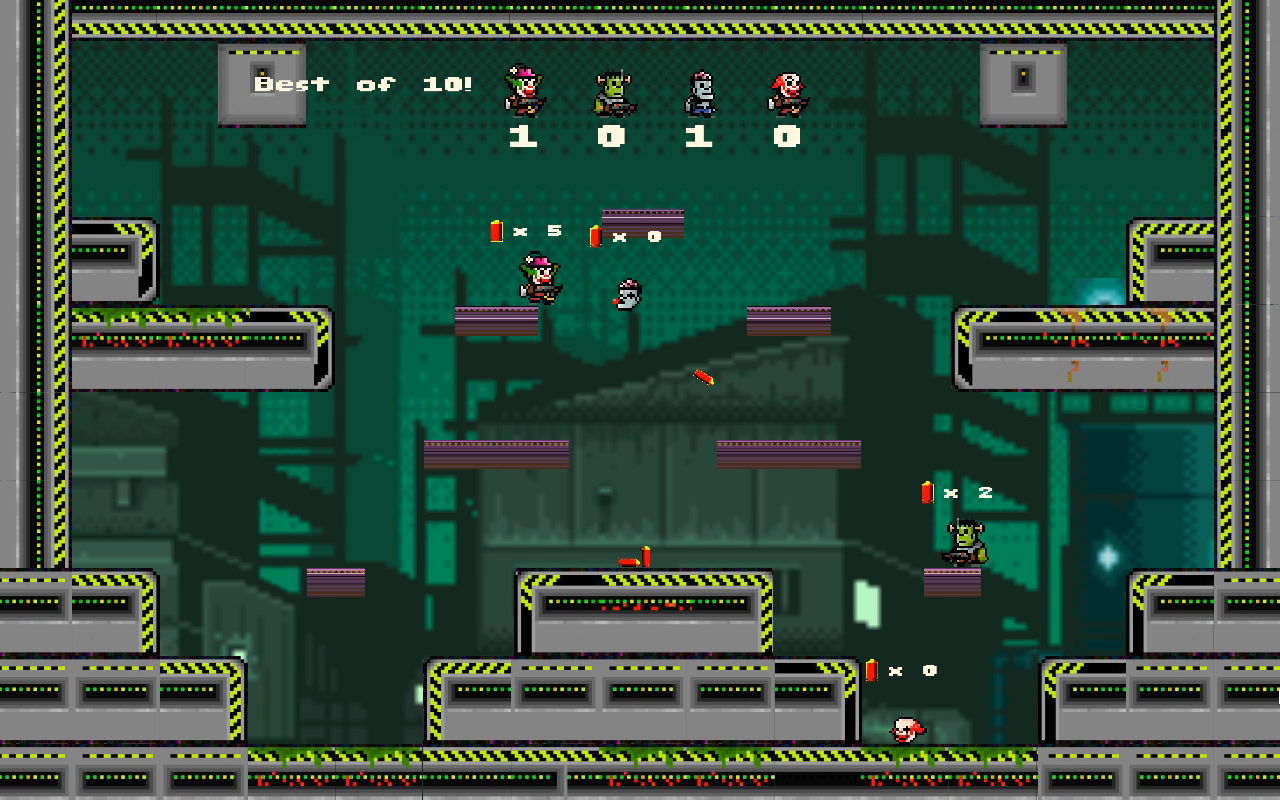
Multiplayer Couch Game – Local multiplayer game (from 2 to 4 players) in which each player takes control of a character and try to kill as many enemies (friends!) as possible.
Made in Unity C#, with art from the Unity Asset Store.
Game of Life
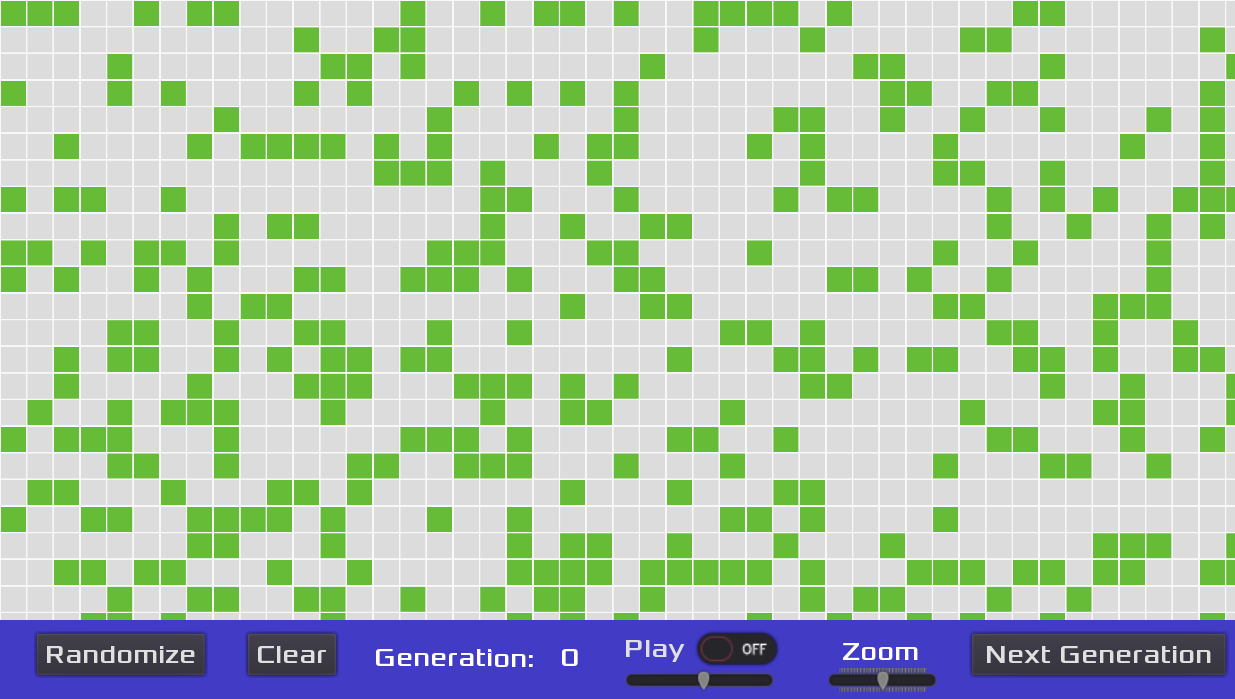
Implementation of the Conway’s Game of Life in GoDot.
Open source repo: https://github.com/albertomsp/godot-game-of-life
Dinosaury Pygame
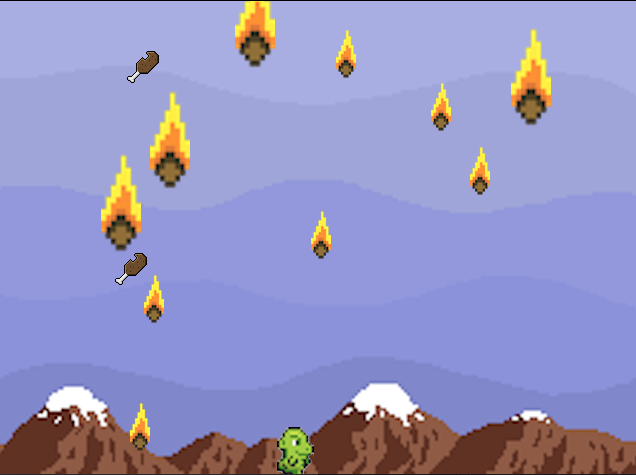
Proof of concept game developed in Pygame, where you need to dodge meteors as a dinosaur.
Open source repo: https://github.com/albertomsp/dinosaur-pygame
Published in https://pypi.org/project/dinosaur-pygame/. To play, just run:
pip install dinosaur-pygame
dinosaur_pygame  # The game is installed as a script, just needs to run that command for the game to start.
Math Operations
Game in which you have to tell if the operations are correct or not as quickly as possible. It has different modes – including time trial, and solving a fixed amount of operations as quick as possible.
Made in Unity C#, exporting some of the functionality to Unity Asset Store.

Only available for mobile.
Ultimate Tic-Tac-Toe
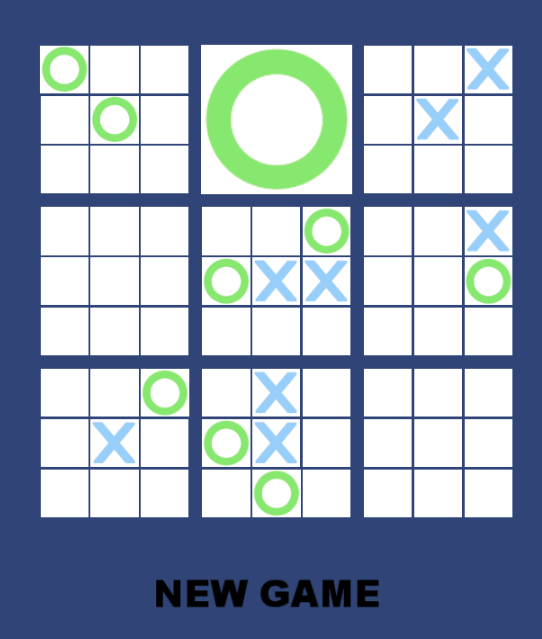
Port of Ultimate tic-tac-toe paper game to a computer game. Players take turns playing in the smaller tic-tac-toe boards until one of them wins in the larger tic-tac-toe board. The rules can be found here.
One of my first game prototypes made in Unity C#
Racing Game
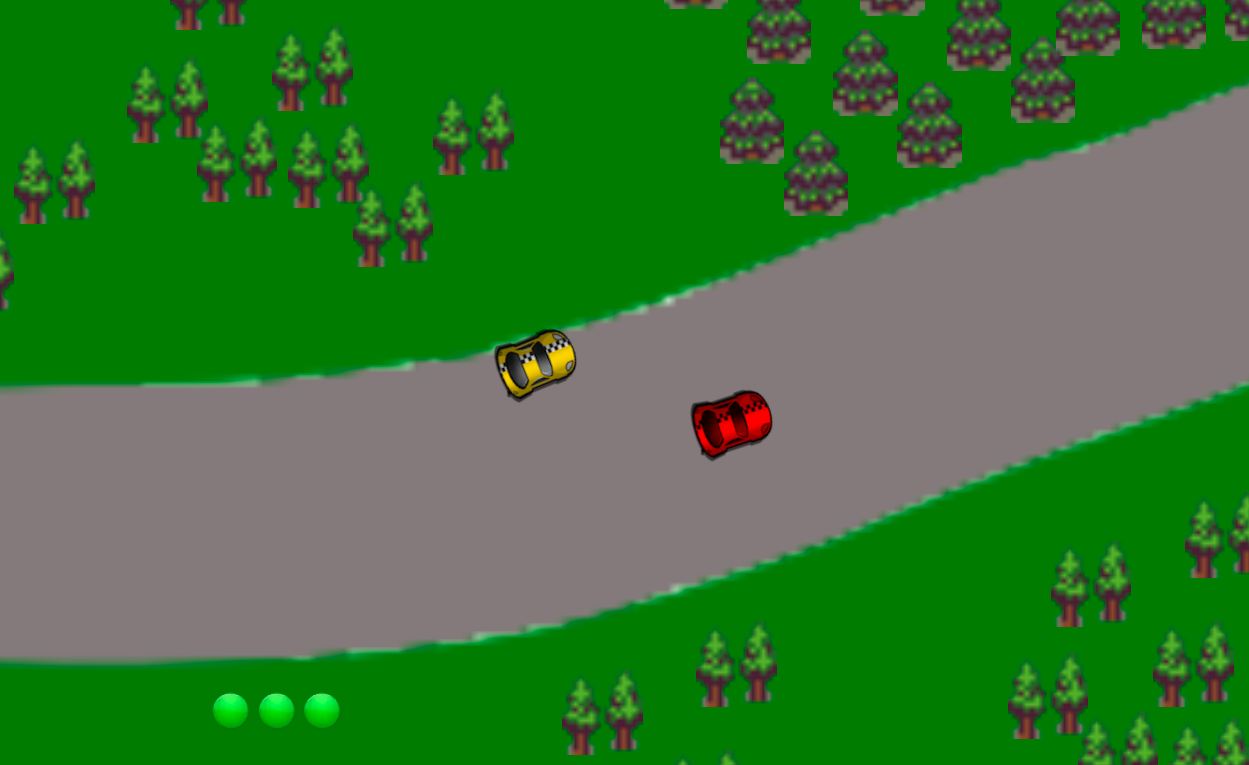
One of the first game prototypes that I made. Inspired by Micromaniacs, this is a 2 player game which objective is to take your opponent out of the screen.
Made in Unity C#, using some art from the Unity Asset Store.
Tools
Simple Mobile Input
Unity Tool
C# Library to make the User Input on Touch Screens simpler to handle. It’s inspired on the default way of Unity of handling user inputs of Keys.
This is an example to detect a right swipe anywhere on the screen:
using MobileInputManagement; // Import the library

// Use it as Unity default Key Presses
if (MobileInput.GetAction (MobileInput.RIGHT_SWIPE)) {
    Debug.Log("Right swipe detected");
}
As simple as that. All of the inputs are stored as static variables, making the code cleaner and easier to read.
The library only support single touches by now:
- Swipes in all four basic directions.
- Movement detection in all four basic directions.
- Taps.
The future versions will add Multi Touch support for the basic actions that can be done on a touch screen (2 fingers swipe, pinch in and out, …).